PNG and SVG formats — the right file for screens and for the printer
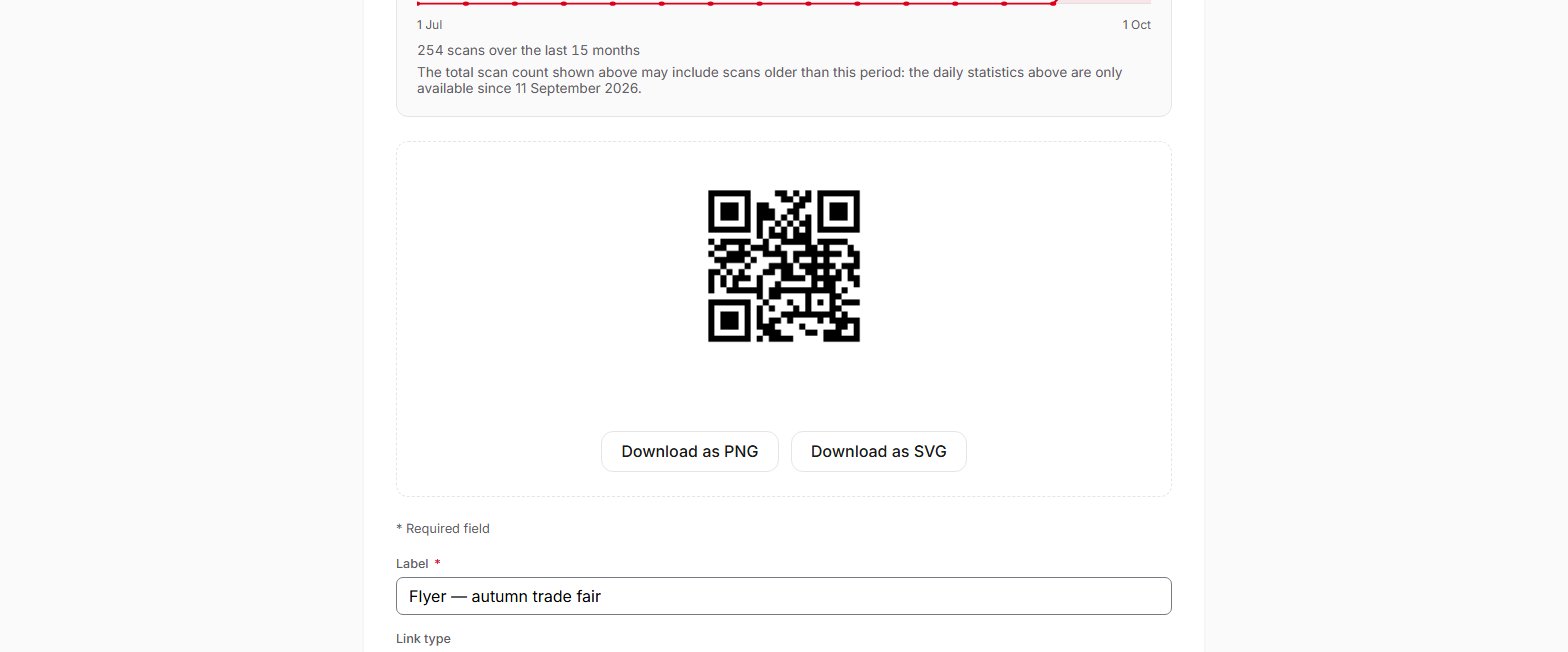
Each QR code can be downloaded as PNG, for screens and office documents, or as SVG, a vector format that can be enlarged without loss of quality for print.
Plans: Free · Pro · Entreprise
On each QR code's page, two buttons offer the image as PNG and as SVG, on all plans. PNG suits a website, an email or an office document. SVG is a vector format: it can be enlarged without loss of quality, from a business card to a poster, and it is the file to send to your printer. QR codes are generated in black on white, with error correction level M and a white margin of 4 modules; QR Suisse offers no colours, no logo and no setting for these parameters. With the Pro and Entreprise plans, you can download up to 100 QR codes at once, in a ZIP file in the format of your choice. Via the API, the image is rendered the same way as in the dashboard.
Frequently asked questions
Which format should I give my printer?
Can I change the destination after sending the file to the printer?
Can I add a logo or colours?
How small can the QR code be printed?
Can I download several QR codes at once?
What size is the PNG image obtained via the API?
size parameter, from 128 to 1024 pixels per side. For large formats, use SVG.Help pages
See also
Try QR Suisse
The Free plan is available immediately, self-service, no credit card required.
Create a free account