QR Calendar — an event added to the calendar in one scan
A QR code that offers the person scanning it to add an appointment or event (title, times, location, description) to their calendar.
Plans: Free · Pro · Entreprise
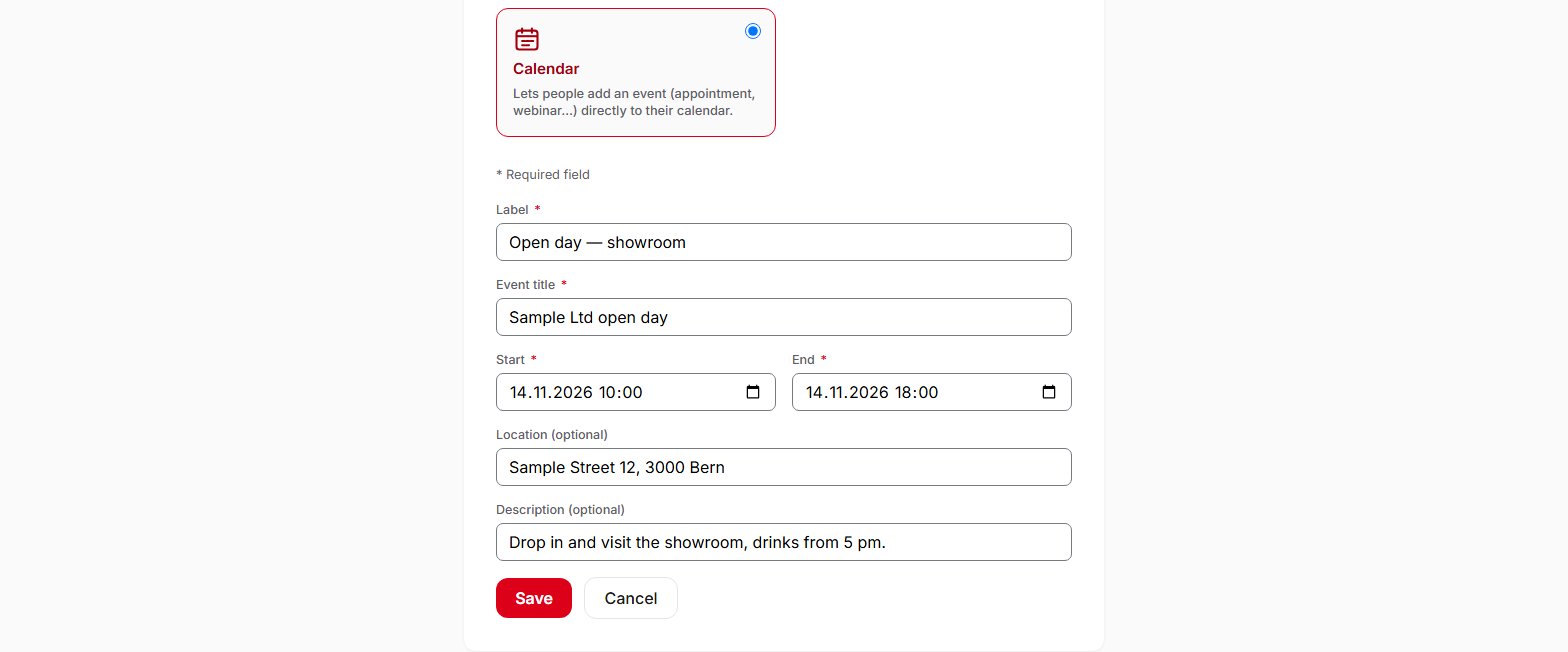
A QR Calendar offers the person scanning it to add an event to their calendar: information session, viewing, open day, appointment. You enter the title, the start and the end, and optionally the location and a description. When scanned, the phone receives a calendar file (.ics) and generally offers to save it to the calendar. If the date changes, you correct the event in your account: subsequent scans offer the updated version, without reprinting the material. Once added to a calendar, the event no longer depends on QR Suisse and is not updated for people who have already saved it. QR Calendar is available on all plans, including the Free plan.
Frequently asked questions
What happens when someone scans a QR Calendar?
Can I change the date after printing?
What information can I enter?
Can I turn a QR Calendar into a web link?
Can I create QR Calendars via the API?
Help pages
See also
Try QR Suisse
The Free plan is available immediately, self-service, no credit card required.
Create a free account