Tags — organise and find your QR codes
Organise your QR codes by campaign, site or medium, then filter the list by tag. Available with the Pro and Entreprise plans.
Plans: Pro · Entreprise
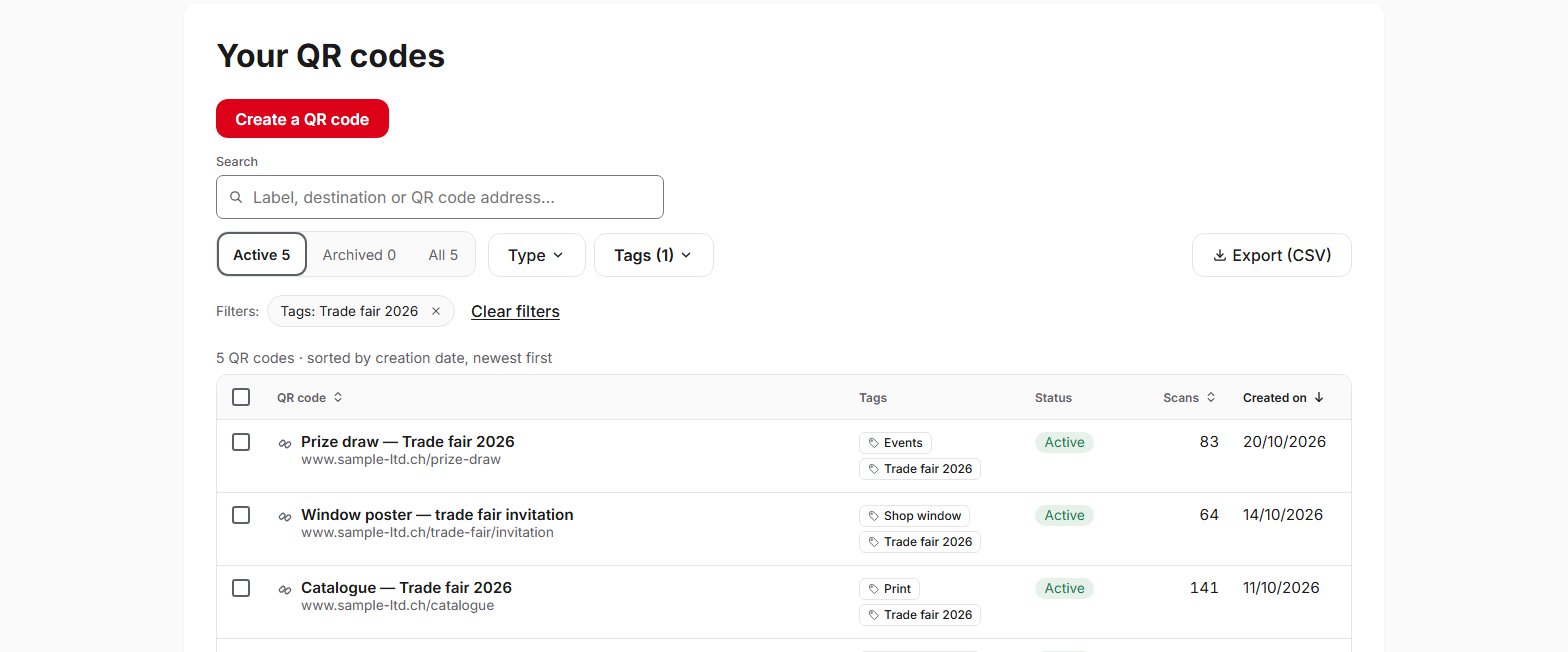
As soon as you manage more than a few QR codes, tags help you keep track. A QR code can carry up to 10 tags, of 40 characters at most, and an account can have 200. You apply them to a QR code from its page, or to several QR codes at once from the list. The Tags filter shows the QR codes that carry at least one of the chosen tags, or all of them, and the “Untagged” option shows those still to be organised. Tags only appear in your dashboard and in the CSV export: the person scanning does not see them. Do not put personal data in them. This feature is available with the Pro and Entreprise plans.
Frequently asked questions
How many tags can I create?
Does the person scanning see my tags?
Who can create, rename or delete a tag?
Does deleting a tag delete the QR codes?
What happens to my tags if I return to the Free plan?
Help pages
See also
Try QR Suisse
The Free plan is available immediately, self-service, no credit card required.
Create a free accountDiscover the Pro plan